We're updating the look and feel of the Kindo from October 2027. Nothing changes about how you use the app. Read on for answers to common questions you might have.
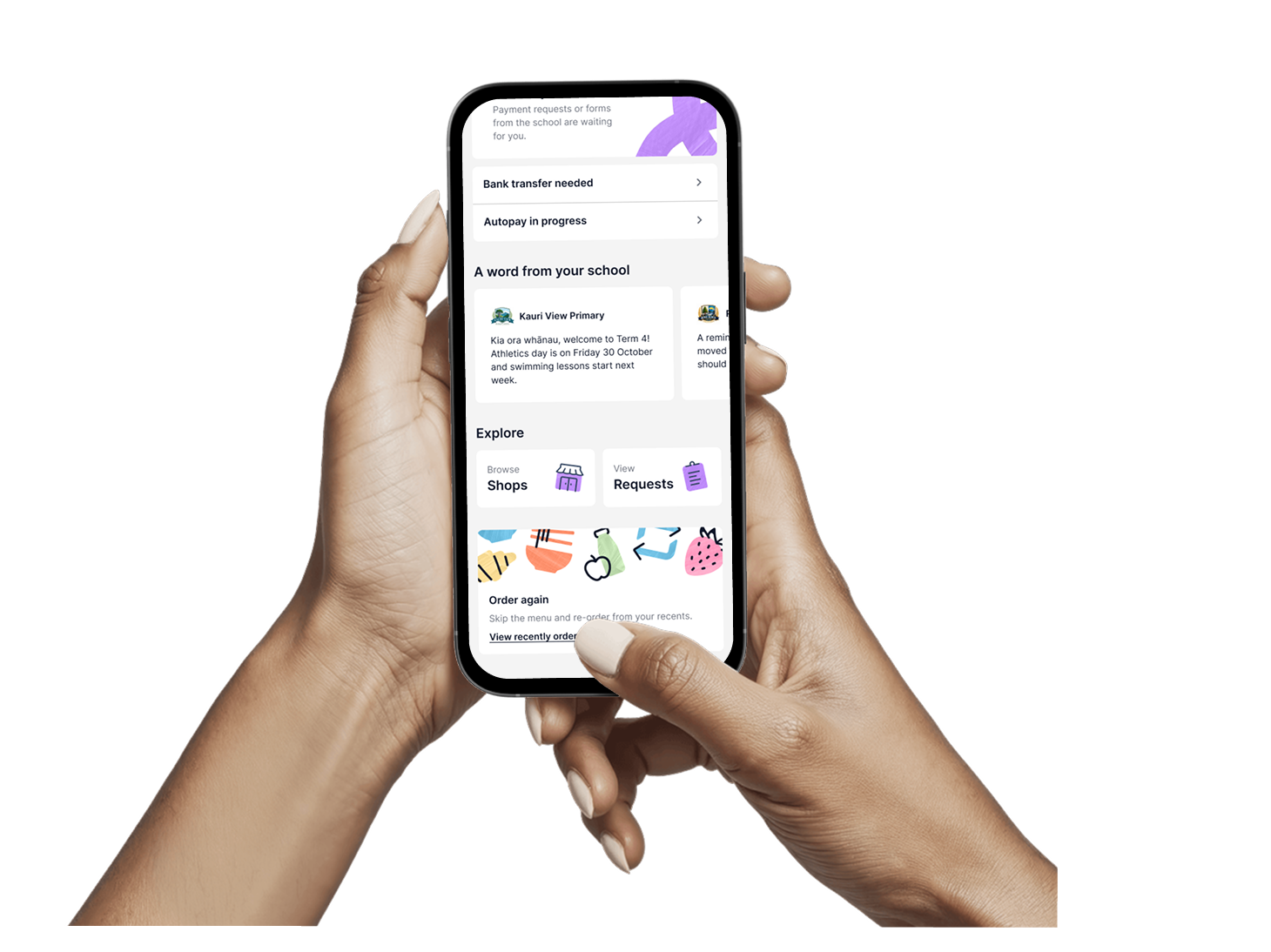
Our new Hub brings all your payment requests, forms, and lunches into one place, across all your schools.
Kindo is getting a fresh new look. You’ll see new colours, a new font, and bigger text and buttons that are easier to tap. Our app icon is changing to navy with a white K.
We expect to have the new look available on Kindo web from Tuesday 27 October. In the mobile app, you’ll see it when you update to version 3.6.2. We also expect this to be available from Tuesday 27 October.
There’s nothing you need to set up. If you use the Kindo app, updating to the latest version is how you’ll get the new look and icon.
Everything else. The layout and navigation are the same, and your payments, forms and school details are right where you left them. Kindo works just the way it always has.
To make Kindo easier to read and use for everyone. Bigger text, stronger colour contrast and easier-to-tap buttons help people on any device, and they’re especially helpful for anyone with low vision. It also gives us a stronger foundation, so we can keep adding new features and improvements even faster in the future.
Yes. If you open Kindo and the colours and icon look different, you’re in the right place. If you’re ever unsure about something, please get in touch and we’ll happily check for you.
We’d love to hear them. Please email support@kindo.co.nz or call 0508 454 636 (7:30am - 4pm weekdays).