From next week (27 October), Kindo is getting a cleaner, easier-to-read design to help you find things faster. The way you use Kindo will stay the same and there’s nothing you need to set up. Read on to see what’s coming.
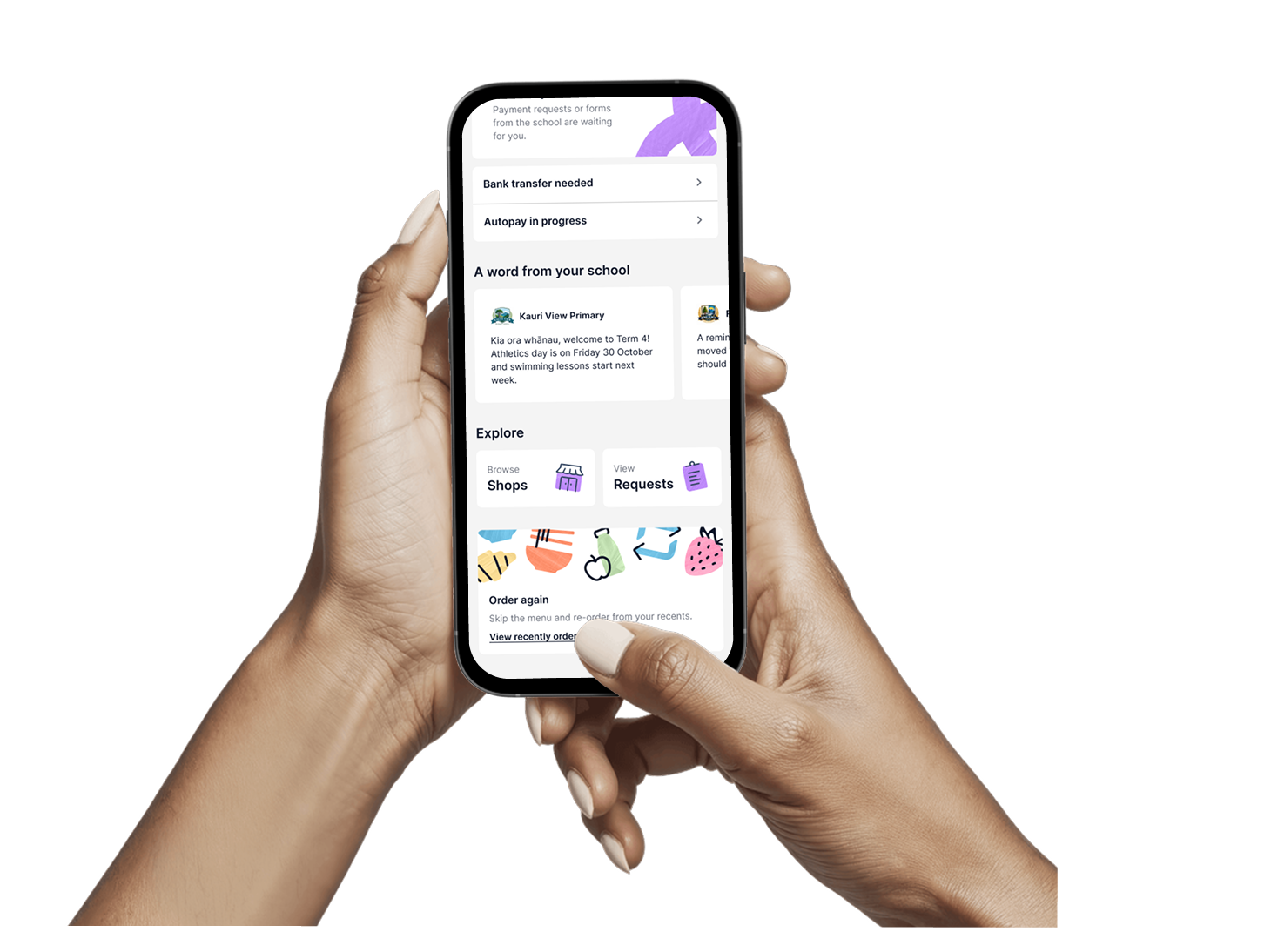
Our new Hub brings all your payment requests, forms, and lunches into one place, across all your schools.
Bigger text, stronger colour contrast and buttons that are easier to tap.
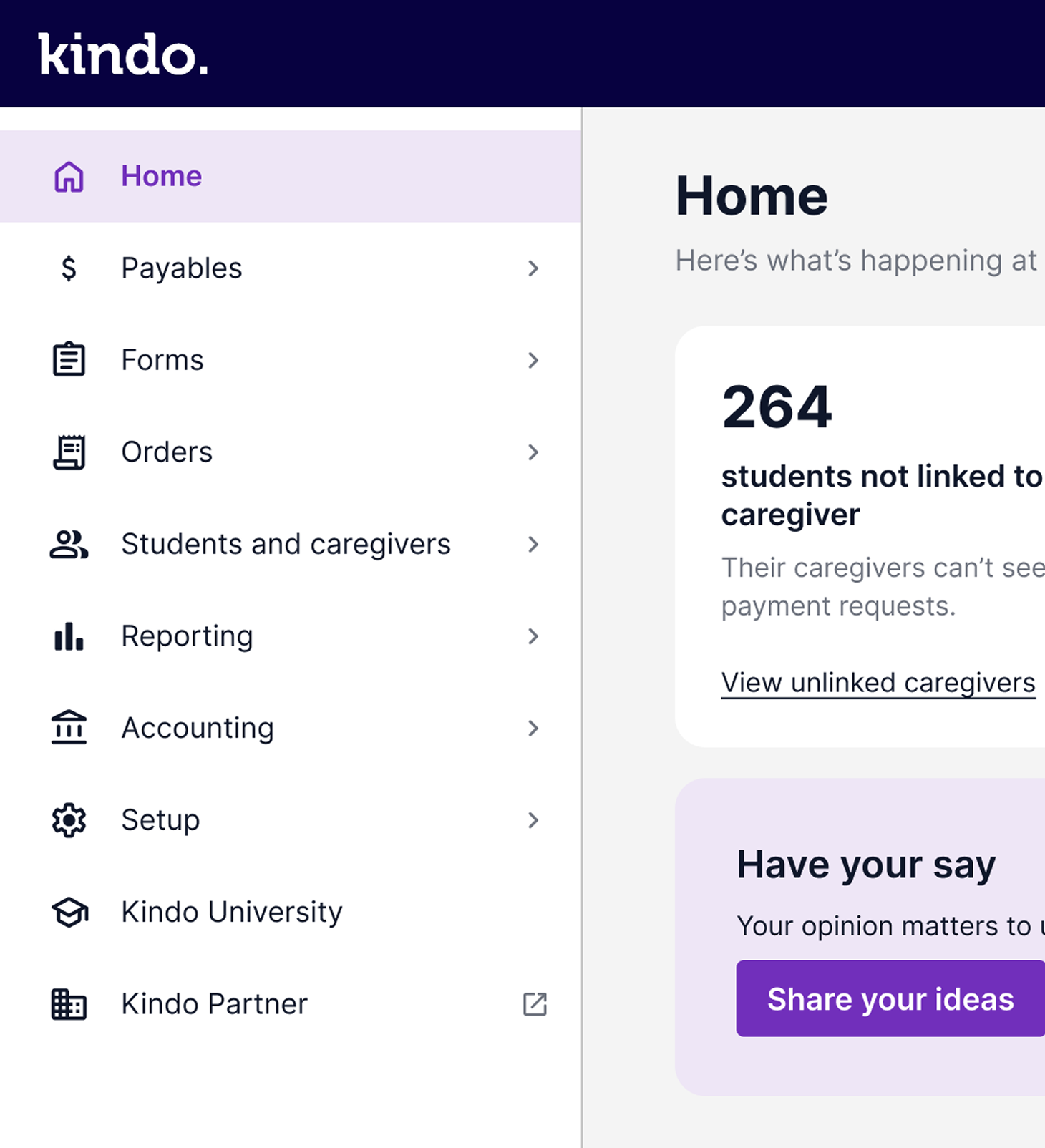
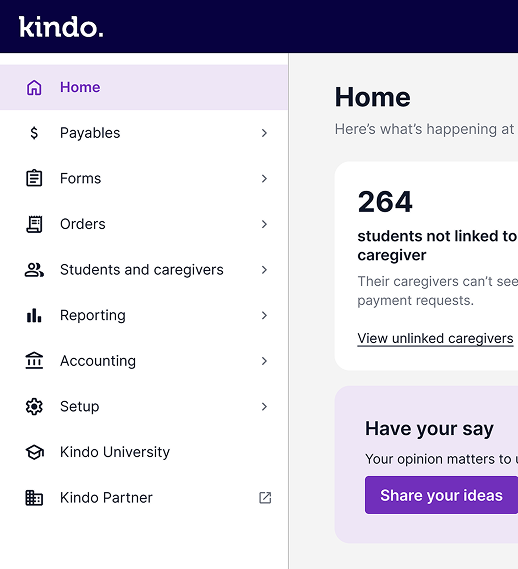
A new side menu that stays in view and makes it quicker to move between pages, with clearer labels and ordering.
%20smaller%402x.png)
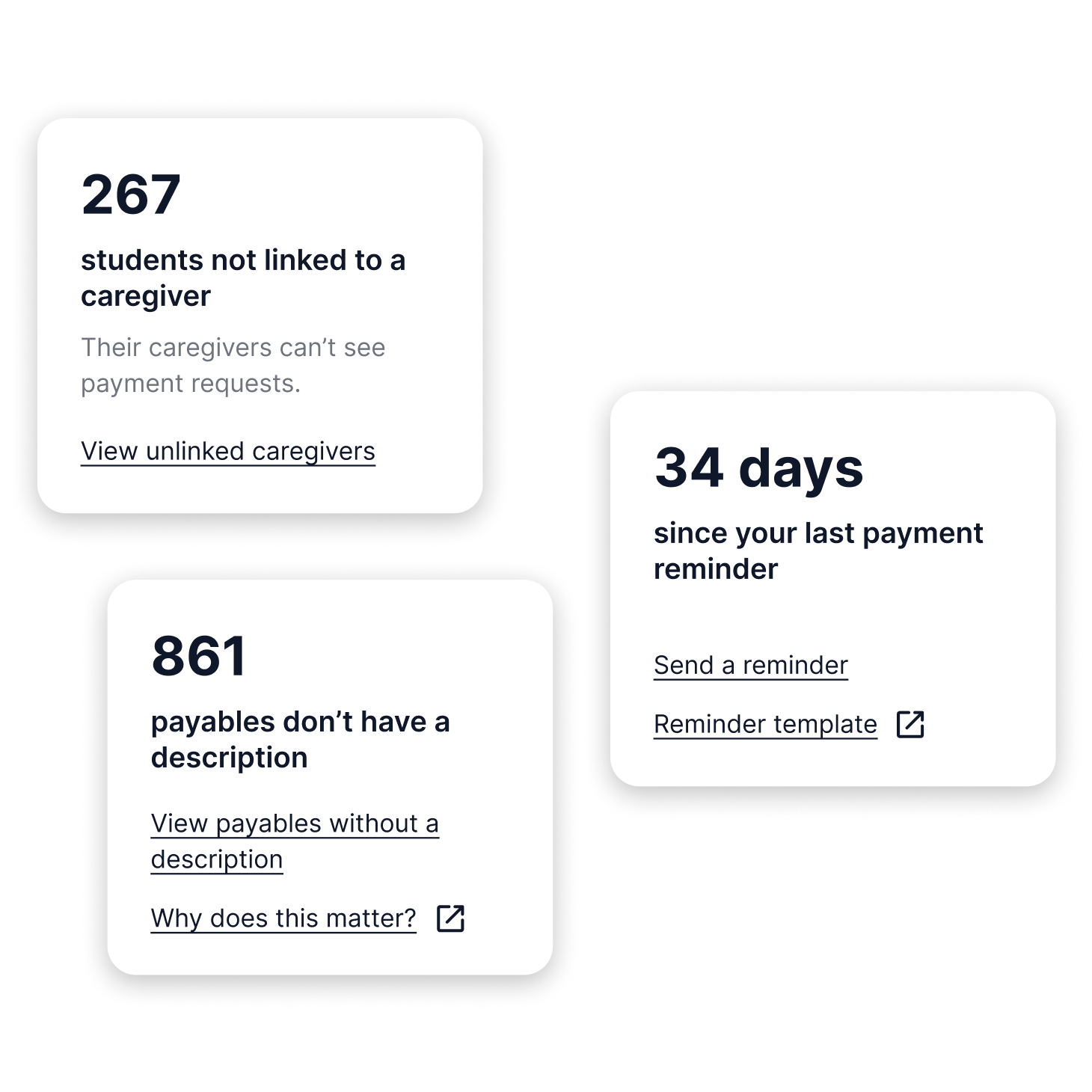
Schools using Kindo Payables can access useful insights right from their home page. Have an idea for an insight you’d like to see? Let us know using the “Have your say” card.
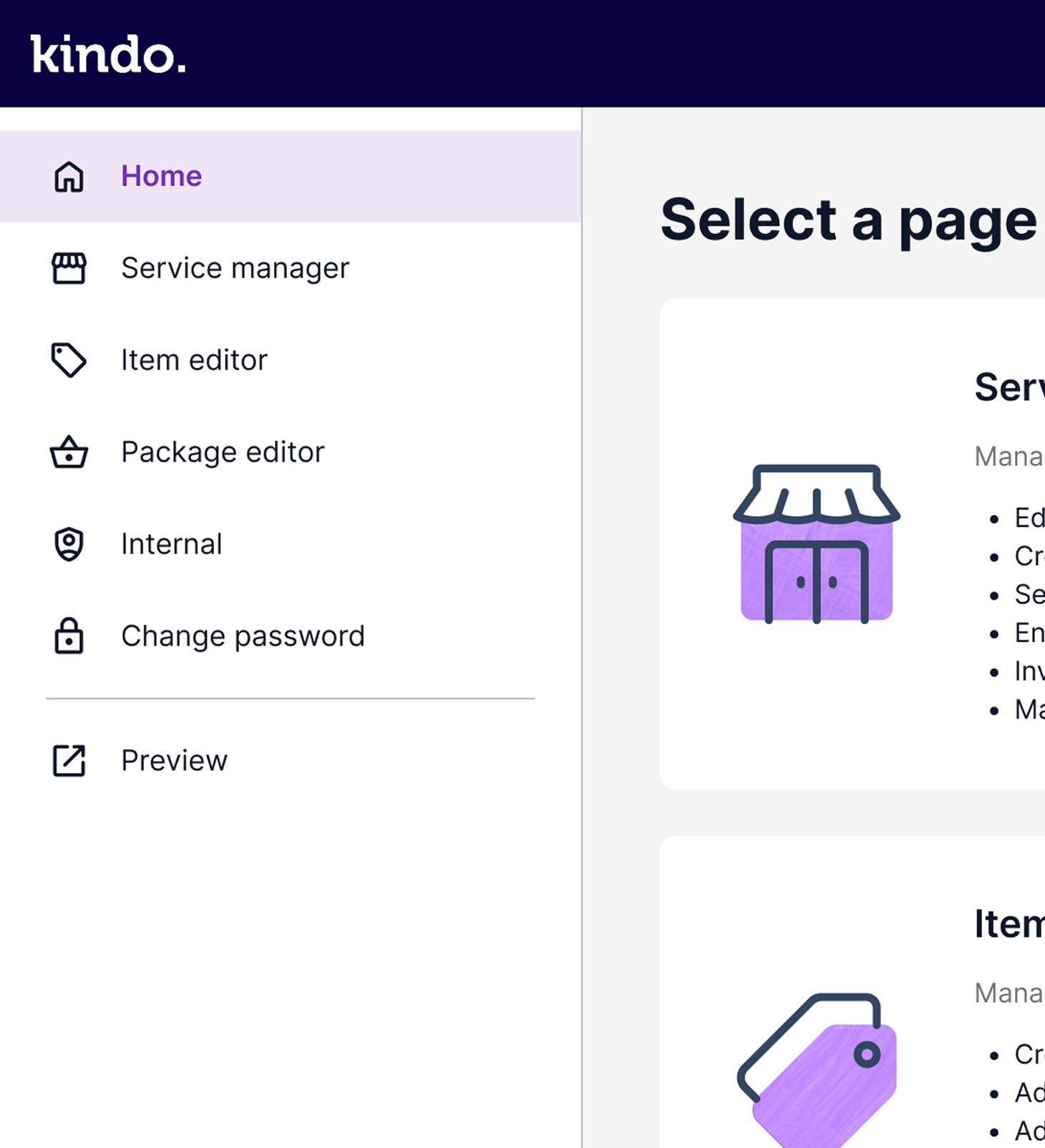
The Partner pages have had a tidy-up: clearer layout, easier to scan, and less clicking about to find what you need. Same setup, same data, just a nicer place to get your jobs done.
%402x.png)
Fresh colours, a new font, larger buttons and a navy app icon. The layout and navigation are not changing so your caregivers can continue to use Kindo as they do now.
So Kindo is easier to read and use for everyone. The new design has better colour contrast, larger text, buttons that are easier to tap and better support for screen readers. It also gives us the foundations to add future experience improvements even faster.
We expect this update to happen on Tuesday 27 October. Your Kindo account will automatically be updated to the new experience.
No. Your account will update automatically. We expect this to happen on 27 October. If you’d like a walkthrough, you can watch the video above or register for our upcoming webinar.
What’s changing:
Across Kindo and partner and mobile app
• The colours, the font, text and button sizes.
Admin:
• New sticky left side menuNew insights cards
• Payables pages now run in a more logical order: Catalogue, Apply, Status
• “Foreign fee paying” is now “International students” (only visible to schools that use it)
• Reporting, Kindo University and Help are in the side menu
What’s staying the same:
Your items, payments, settings and data, and what things are called, including payables. There are one or two small tweaks, covered below.
Aside from the changes in colour and font (see below) nothing is changing around how your caregivers need to use Kindo.
What’s changing:
• Updated mobile app icon (Navy Blue Square with White K) to match our website
• New Kindo app colours and font to make the app easier to use
Yes! We're improving their Kindo experience across both Kindo web and our iOS and Android apps. They will be prompted to update their app to the new experience once we’re ready. This will be available on version 3.6.2, which we expect to release on 27 October.
Yes! We’ll be emailing caregivers with Kindo accounts letting them know some colours are changing but their layout and navigation are the same, so caregivers can use Kindo exactly as they do now.
We’ll also have a message on our next app update and within Kindo to let them know they’re still in the right place.
Partner will be getting a refreshed design on 27 October, which you can choose to toggle on and off.
The current view will stay as your default for a short time, then the new view will become the default. The toggle switch will still be there if you need it for some time, however any new features will only be built into the new design.
We’d love to hear them. Please email support@kindo.co.nz or call 0508 454 636 (7:30am - 4pm weekdays).